

Most «best ADHD Notion template» roundups show you a gorgeous dashboard with twelve linked databases, colour-coded everything, and a habit tracker that assumes you'll show up to it daily. It looks like control. Then Wednesday happens — three deadlines, a bad night's sleep, an inbox you're scared to open — and the beautiful system sits there untouched, quietly becoming one more thing you're behind on. The problem was never you. It was that the template was built for your best day, not your worst one.
Here's the version worth building instead.
What an «ADHD Notion template» actually is
An ADHD Notion template is a pre-built page (or small set of linked pages) in Notion that holds your tasks, notes, and plans in a fixed structure, so you don't have to design or remember the structure every time. The point isn't decoration. The point is that the thinking is done in advance, on a calm day, so that on a chaotic day you only have to use it — not invent it.
That distinction matters more for a neurodivergent brain than most templates admit, and there's research behind why.
Why «just keep it in your head» quietly fails
Working memory — the mental scratchpad that holds «buy milk, call the dentist, that idea I had in the shower» while you do something else — is one of the more reliably affected areas in ADHD. A meta-analysis by Martinussen and colleagues (2005) found consistent working-memory impairments, with the largest effects in spatial working memory. In plain terms: the internal notepad drops things, and it drops them faster under load.
So the common advice — «just remember to check it», «keep your list in your head» — asks the exact faculty that's stretched to do the heavy lifting. No wonder it slips.
The fix isn't to try harder to remember. It's to stop using memory as storage at all. Cognitive scientists call this cognitive offloading: shifting information and intentions out of your head and onto something external — a note, a reminder, a checklist. Risko and Gilbert (2016) reviewed the evidence and found that offloading reliably lowers mental load and reduces errors. A good template is not a sign you can't cope. It is the externalised working memory your brain is asking for.
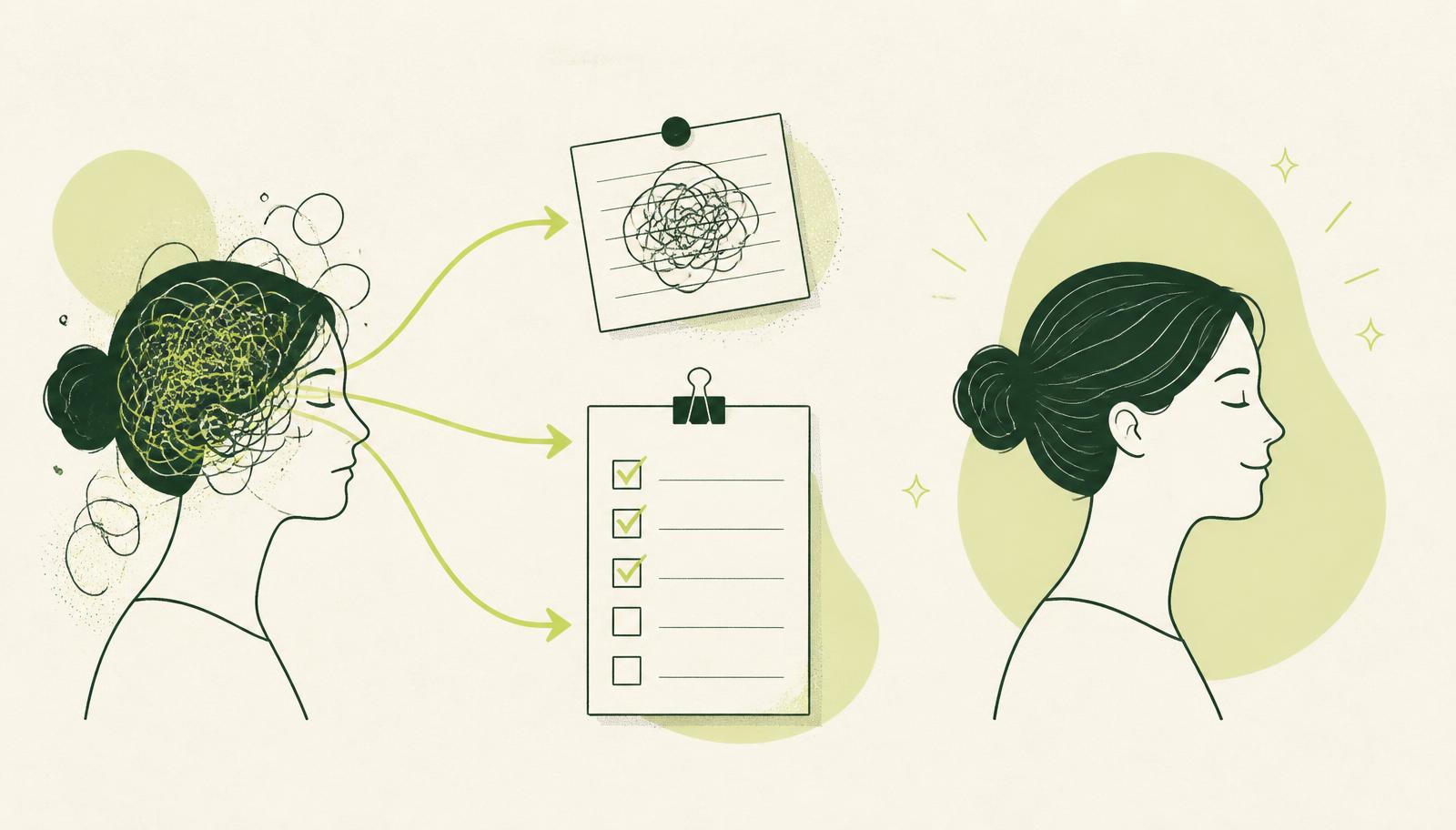
The four things that make a template ADHD-proof
Templates fail for ADHD brains in predictable ways. Here's what separates the ones that survive.
1. Capture has to be frictionless. If getting a thought into the system takes more than a few seconds, the thought is gone before it lands. Your template needs one obvious «dump it here» spot — not a form with eight required fields.
2. Structure should be minimal, not maximal. Every extra database, property, and view is another decision. Aim for the fewest moving parts that still hold your life. You can always add later; you rarely subtract.
3. It should reward you now, not «later». ADHD brains discount delayed payoffs steeply — a meta-analysis by Marx and colleagues (2021) found a consistent preference for immediate over delayed rewards, an effect that nearly doubled when the reward was tangible rather than hypothetical. A template that only pays off «when you're finally organised in three weeks» won't hold. One that shows you a visibly shorter list the moment you check something off will.
4. It has to forgive a gap. The best template assumes you will disappear for four days and makes coming back a ten-second job, not a guilt-laden archaeology dig.
The template, part by part
You can build this in an afternoon, or start from any capture-first template and strip it down. Four parts:
An Inbox. One database, one default view, one job: catch everything. No categories on the way in. This is the frictionless front door.
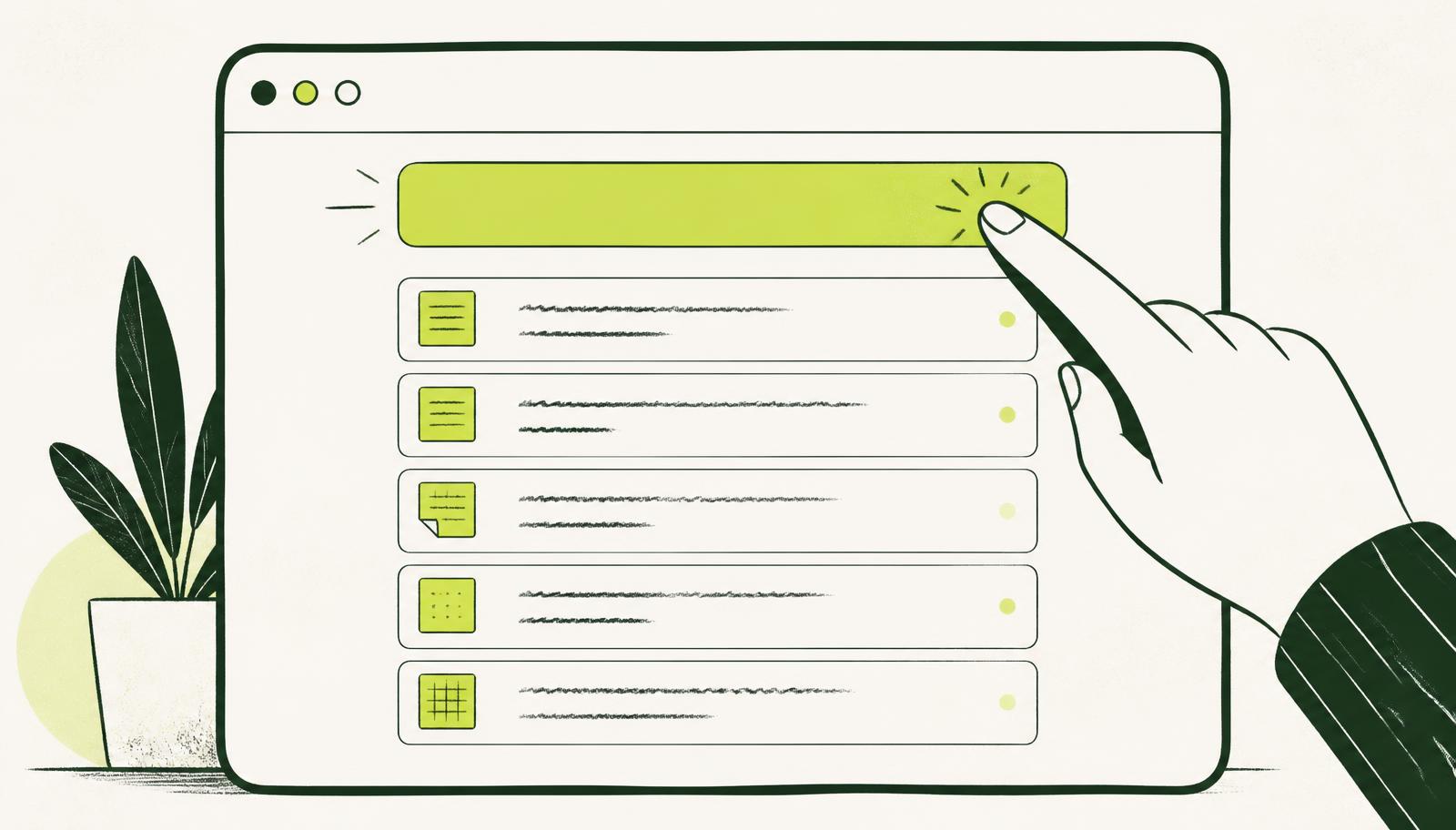
A Today view. A filtered view that shows only what's due or flagged for today — nothing else. This is where time blindness gets a handrail: the rest of the list stays out of sight so it can't overwhelm.
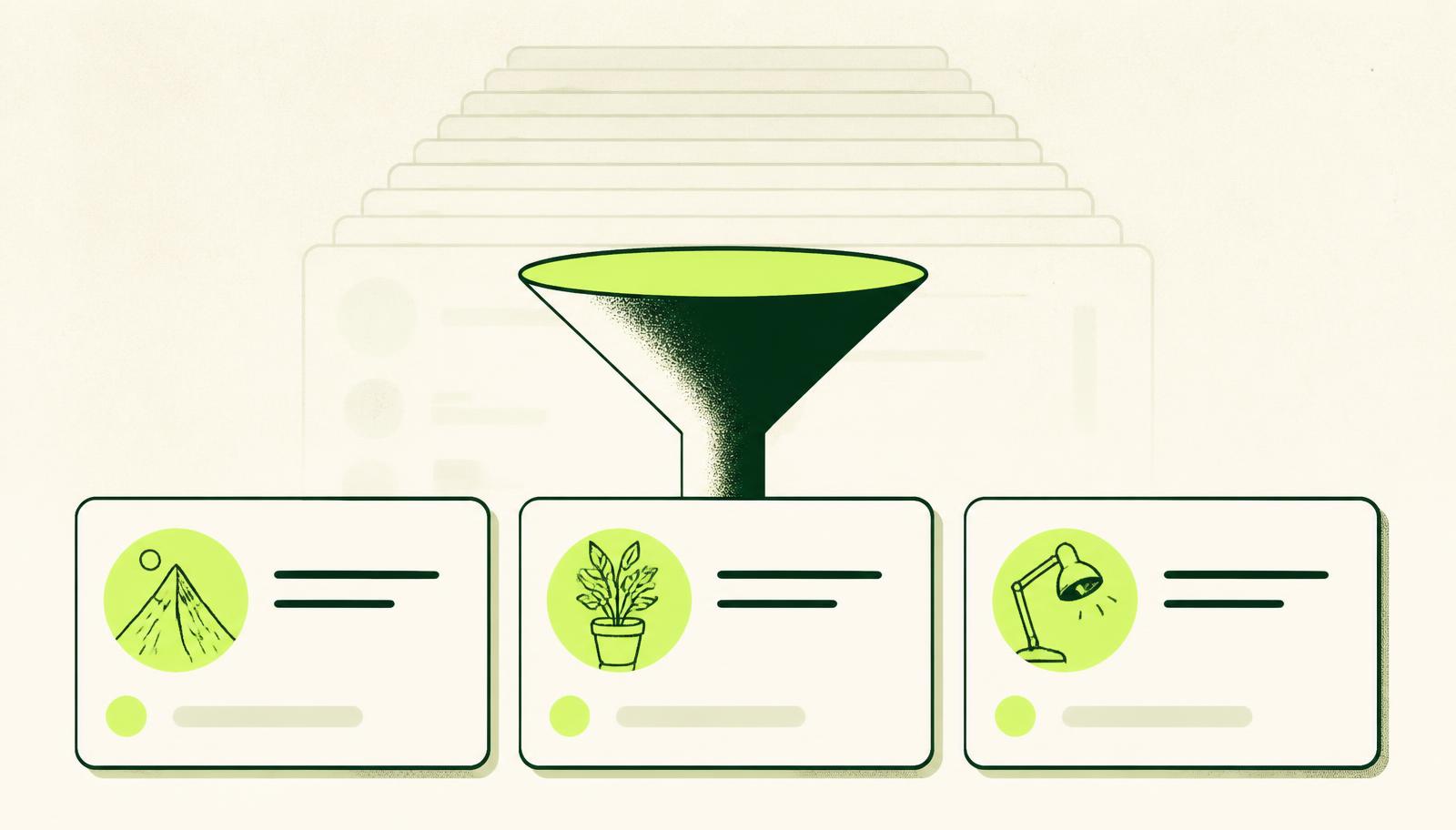
A Someday/Parked list. Everything that matters but isn't now. Getting it out of Today (without deleting it) is what keeps the main view honest and calm.
A weekly reset. One recurring 15-minute slot to move things from Inbox to their homes and pick a realistic Today for tomorrow. This is the maintenance that keeps the whole thing from silently rotting.
Setting it up: capture first, sort second
The setup that makes this stick is the NeuroDeepFlow loop — and it maps neatly onto the offloading research above.
Step 1 — Capture by voice. The fastest way to empty your head is to talk, not type. Dictate straight into Claude or ChatGPT (a dictation tool like Wispr Flow makes this a tap-to-talk on any device): «Remind me to send the invoice, I need to book the dentist, and don't let me forget the school form.» You've just offloaded three things in eight seconds.
Step 2 — Let Claude sort it. Ask it to turn that ramble into clean, separate tasks and drop them into your Notion Inbox. The sorting — the part that stalls a tired brain — happens for you.
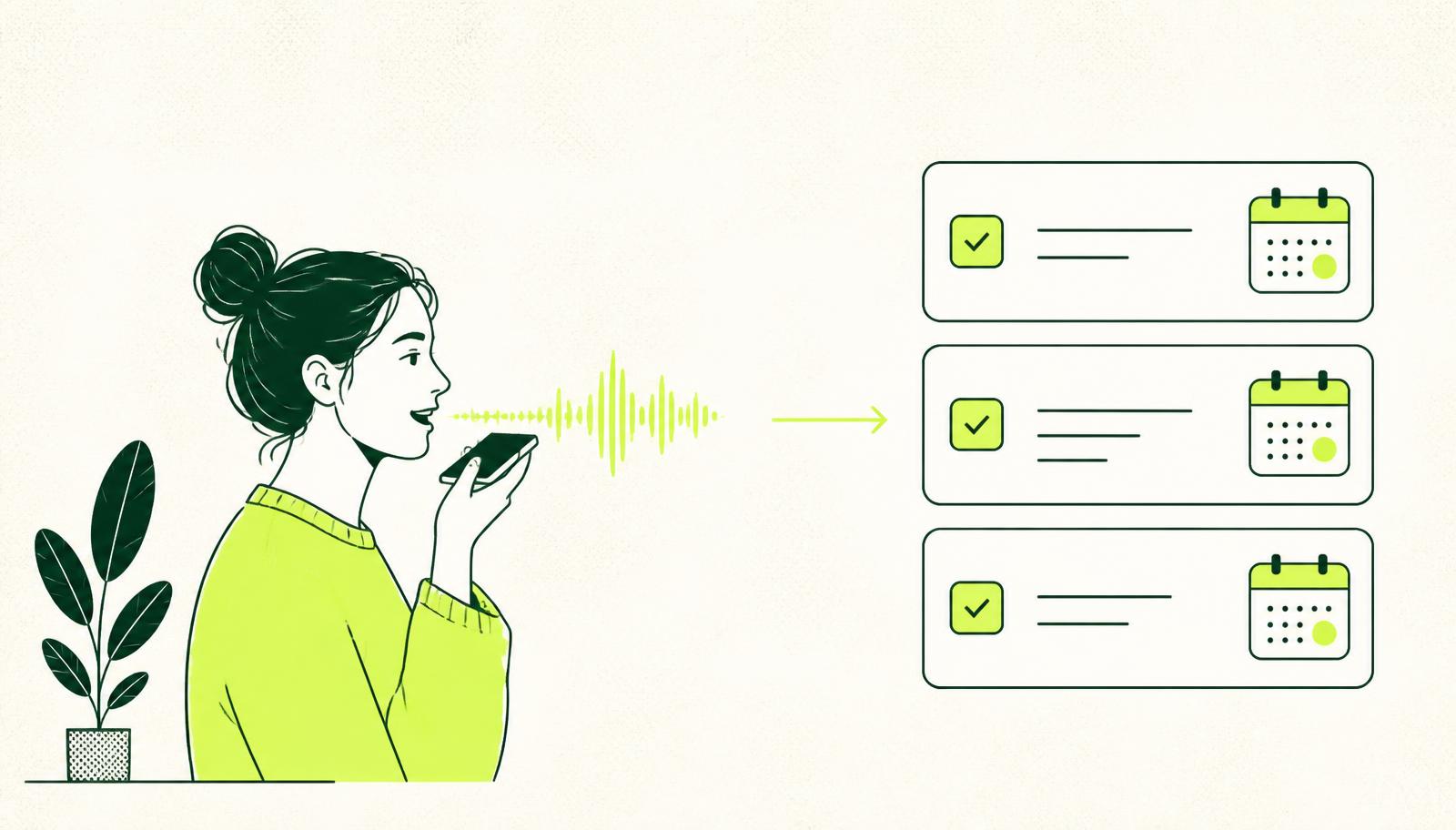
Step 3 — Touch Today, not the whole system. Day to day, you only look at the Today view. The weekly reset handles everything else. That's it. The template does the structure; you just feed and check it.
Your first week, day by day
A template only earns trust by surviving a real week. Here's how to give it one without turning setup into a second job.
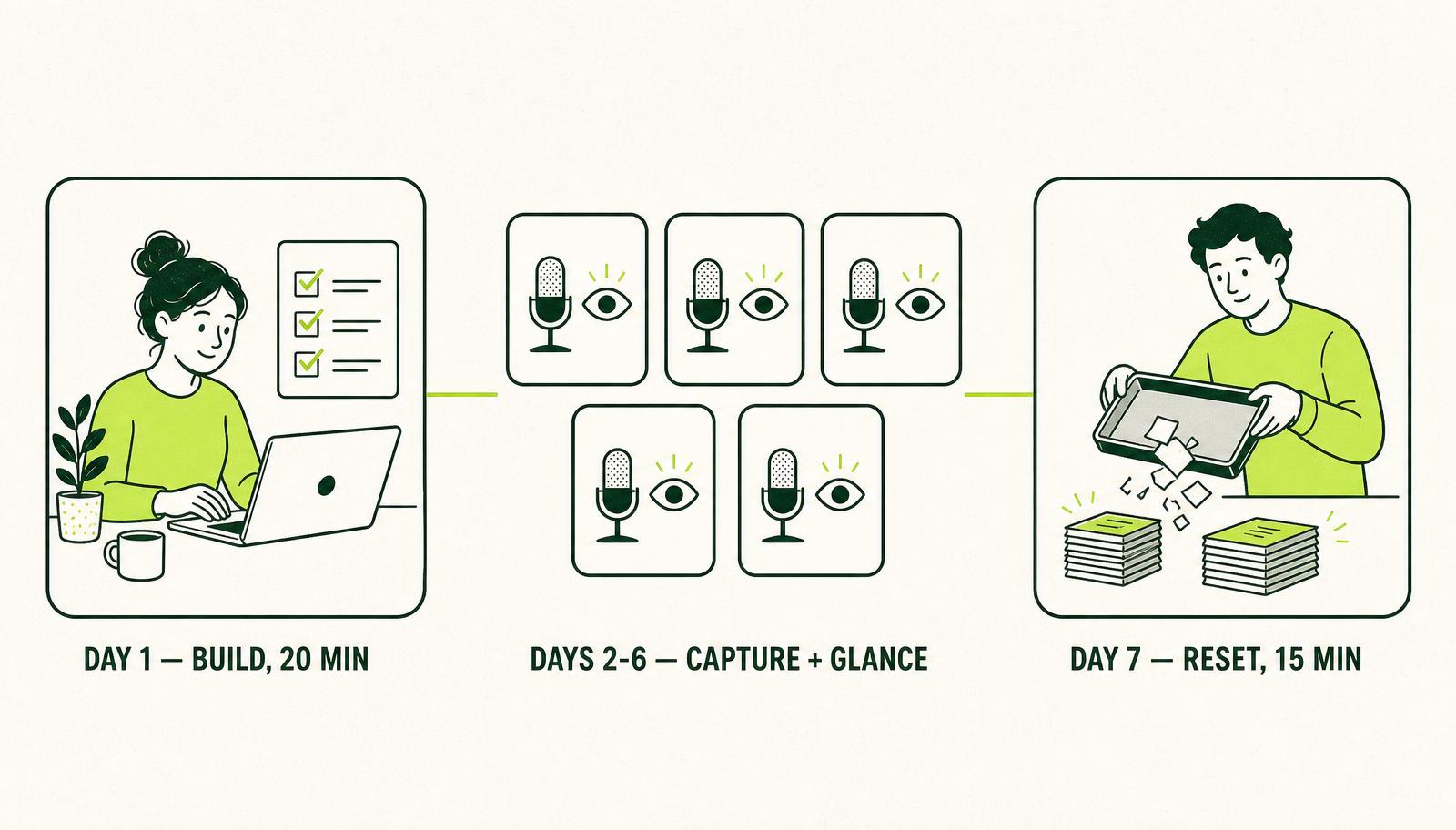
Day 1 — build it calm, not pretty. Twenty minutes on a low-stakes day: create the four parts — Inbox, Today, Someday, and a repeating weekly-reset reminder. Then stop. No colours, no extra properties, no cover images. If it feels a little too plain, you've done it right.
Days 2 to 6 — only two moves. Capture whatever lands in your head straight into the Inbox, and each morning glance at Today. That's the entire job. Don't sort, don't tidy, don't judge the pile building up in the Inbox — it's meant to build up.
Day 7 — the first reset. Fifteen minutes: empty the Inbox into Someday or Today, then pick a short, honest Today for tomorrow. If you missed a few days, you don't catch up — you just start the reset from wherever you actually are.
That's the whole rhythm. One calm build, five light days, one short reset — then repeat. The week you skip it is the week it proves it can forgive you.
Keep going: pair this with a Notion for ADHD setup that survives a bad week, and with an ADHD brain dump loop that ends somewhere instead of in a guilt spiral.
If you'd like a version of this built for you — capture, sorting, and views already wired up — NeuroDeepFlow is a system that keeps up with your brain instead of asking your brain to keep up with it. Quietly join the waitlist when you're ready.
References (3)+
- Marx, I., Hacker, T., Yu, X., Cortese, S., & Sonuga-Barke, E. J. S. (2021). ADHD and the choice of small immediate over larger delayed rewards: A comparative meta-analysis of performance on simple choice-delay and temporal discounting paradigms. Journal of Attention Disorders, 25(2), 171–187. https://doi.org/10.1177/1087054718772138
- Martinussen, R., Hayden, J., Hogg-Johnson, S., & Tannock, R. (2005). A meta-analysis of working memory impairments in children with attention-deficit/hyperactivity disorder. Journal of the American Academy of Child & Adolescent Psychiatry, 44(4), 377–384. https://doi.org/10.1097/01.chi.0000153228.72591.73
- Risko, E. F., & Gilbert, S. J. (2016). Cognitive offloading. Trends in Cognitive Sciences, 20(9), 676–688. https://doi.org/10.1016/j.tics.2016.07.002
Frequently asked
What's the single best ADHD Notion template?+
The one with the fewest parts you'll actually open. A frictionless inbox, a Today view, a parked list, and a weekly reset beats any twelve-database dashboard you'll abandon.
Do I need Notion AI to make this work?+
No. Notion is free for personal use, and the voice-to-sorted-tasks loop runs through Claude. Notion AI is a nice-to-have, not a requirement.
I always abandon my templates after a week. Why would this be different?+
Because this one is built to be abandoned and returned to. The weekly reset makes re-entry a ten-minute job, and the Today view means a four-day gap never confronts you with the whole backlog at once.
How long does setup take?+
An afternoon to build from scratch, or ten minutes to strip down an existing capture template. Do it on a calm day, not a crisis day.
Is this ADHD-specific or just good productivity advice?+
Both. The principles help anyone, but they're built around findings specific to ADHD brains — working-memory load, delayed-reward discounting, and time perception — which is why generic templates so often miss.
This is the system, not just the theory.
NeuroDeepFlow packages the Claude setup, the Notion structure, and the daily routine into one thing you can run tomorrow morning.
Join the waitlistKeep reading

A deliberately small Notion setup for ADHD brains: one inbox, voice capture, and Claude doing the sorting — so you can neglect it for two weeks and still trust it.

An ADHD brain dump clears the mental noise fast. Here is a 90-second voice method that turns the chaos into a sorted list, without a system you have to maintain.